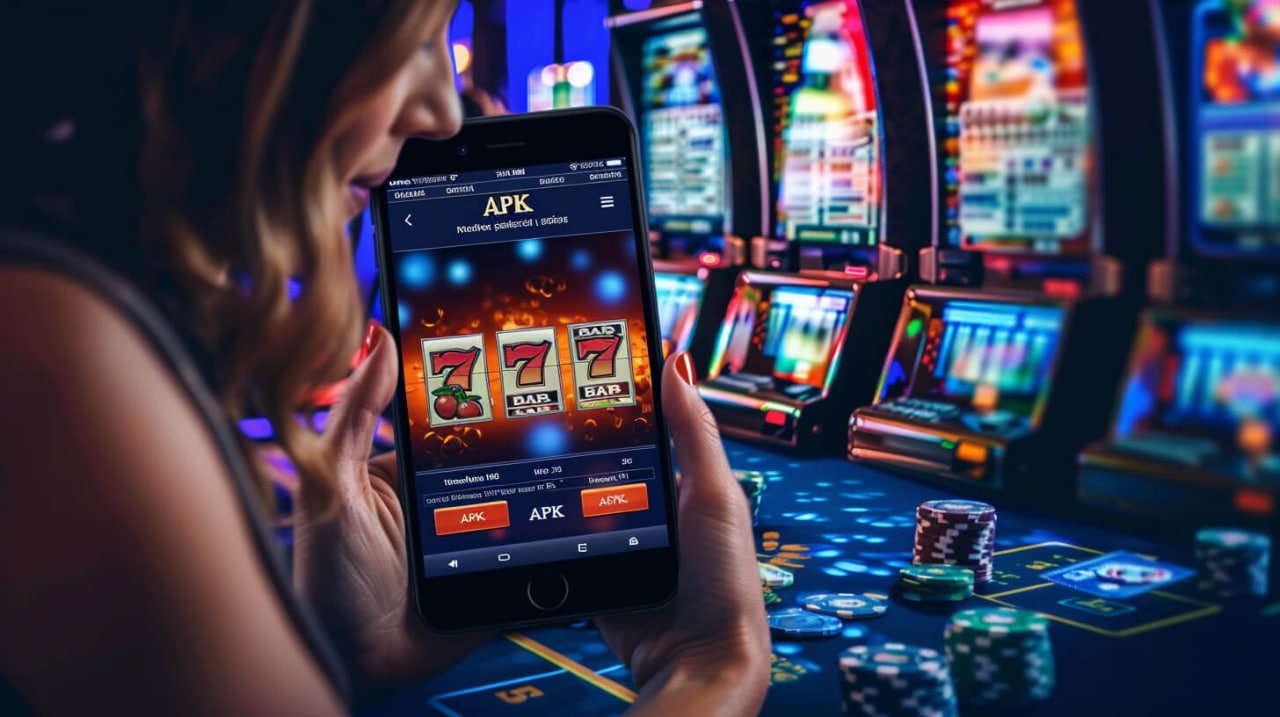
Play slots, bingo, Sports Betting, and Live Casino from anywhere using the official BigWin Casino mobile app. Built with Bangladeshi gamers in mind, it features fast loading, a smooth interface, and full Bengali language support.
The BigWin Casino app is completely free to download on both Android and iOS.

Everything happens on mobile these days — from banking to entertainment. BigWin Casino was designed with that reality in mind. This isn't just a mobile version of a website; it's a fully native app, built from the ground up and optimized for network conditions in Bangladesh.
Browser gaming can sometimes feel slow — pages take a moment to load and touch inputs may lag slightly. The BigWin Casino app eliminates these issues. Games open in seconds, navigation is far smoother, and battery usage is comparatively lower.
BigWin Casino app users also enjoy a range of exclusive benefits available only in the app — including app-only promotions, bonus updates via push notifications, and faster transaction processing.
If you already have a BigWin Casino account, head to the login page. New users can register for free — it only takes a few minutes.
On your Android phone, go to Settings → Security (or Privacy) and enable "Unknown Sources". This is required to install third-party APKs. You can turn it off again after installation if you prefer.
While logged in, download the Android APK file from the BigWin Casino download page. The file is typically saved to your phone's Downloads folder.
Open your phone's File Manager or tap the downloaded APK file from your notifications. When prompted for permission, tap "Install".
Once installation is complete, the BigWin Casino app icon will appear on your home screen. Open the app, log in, and start playing.
Only download the APK from the official BigWin Casino page. Downloading from third-party sites or app stores may pose security risks. For detailed security information, visit our Privacy Policy View.
Use Safari to install the BigWin Casino app on iOS. The process may differ if you use Chrome or another browser.
Go to the BigWin Casino site and log in to your account. If you're a new user, register first.
Tap the iOS link on the download page. A configuration profile will begin downloading — tap "Allow" to permit it.
On your iPhone, go to Settings → General → VPN & Device Management and install the downloaded profile. You may be prompted for your Apple ID passcode.
Once installation is complete, the BigWin Casino app icon will be added to your home screen. Open the app and start gaming.
A common question is: why bother with a separate app when you can just play in the browser? It's a fair question, and the answer is pretty straightforward.
Game load times on the BigWin Casino app are significantly faster than on a browser, because the app uses the device's native rendering engine. The smooth animations needed when spinning reels in slots or marking numbers on a bingo card aren't always possible in a browser.
Transactions through the app are also faster. When depositing or withdrawing via mobile banking or an e-wallet, you receive instant confirmation directly within the app.
One of the biggest advantages is push notifications. BigWin Casino regularly sends out bonus offers, tournament announcements, and VIP upgrade alerts. Browser users often miss these offers, but app users are notified instantly.
| Features | BigWin App | Mobile Browser |
|---|---|---|
| Game Loading Speed | Very Fast | Medium |
| Push Notifications | ||
| App-Only Bonuses | ||
| Offline Mode | ||
| Live Chat Support | ||
| Fingerprint Login | ||
| Battery Usage | Less | High |
| Automatic Updates |
Any game loads within 3 seconds, even on a slow network.
Log in quickly and securely using your fingerprint or Face ID.
Get instant updates on bonuses, jackpots, and tournaments.
Use Dark Mode for a more comfortable viewing experience when playing at night.
Fully localized interface in Bangla — from the menu to the Help section.
All your transactions and personal information are protected with the highest level of security.
Your game progress is saved even if you lose connection — just come back and pick up where you left off.
Deposit and withdraw via mobile banking or e-wallets in just a few clicks.
The BigWin Casino mobile app offers over 500 games, including popular slots titles, multiple bingo rooms, Live Casino tables, and a Sports Betting section. Every game is designed mobile-first, so they display perfectly even on smaller screens.
Playing slots on mobile is a whole different experience. Spinning the reels on a touchscreen, triggering bonus rounds with a tap — it feels distinct from desktop play in the best way. BigWin Casino's slots games are designed with exactly this kind of touch interaction in mind.
Tracking multiple bingo cards at once may seem easier on a big screen, but the BigWin Casino app makes it just as simple on mobile with its auto-daub system. Numbers are marked on your cards automatically as they're called, so managing multiple cards at the same time is effortless.
The Sports Betting section offers live odds for cricket, football, and a variety of other international sports. You can also place live bets while a match is in progress. The BigWin Casino app displays live score updates and odds changes in real time.
In the Live Casino section, you can play blackjack, roulette, and baccarat with real dealers. HD video streaming on the mobile app is exceptionally smooth, making the live gaming experience feel more immersive than ever.

Many people have security concerns before downloading an online gaming app — and that's completely understandable. BigWin Casino takes this seriously and has built multiple layers of security into the app.
The app uses 256-bit SSL encryption — the same standard used by banking apps. Your login credentials, password, and transaction details are never shared with third parties. Enabling two-factor authentication (2FA) adds another layer of protection to your account.
BigWin Casino is also committed to responsible gaming. The app includes an option to set deposit limits, so players can stay within their own budget. For more details, visit our Responsible Gaming View the page.

Android
iOS
If you run into any issues downloading or installing the app, our support team is available 24/7 to help.
View FAQs